A release is complete when the public edge agrees with the files you chose — not when the final upload command exits zero. This tutorial turns that sentence into a repeatable procedure using the checks the release-and-recovery notes describe. Everything before the last phase is safe to run locally; the only remote step is the read-only probe at the end.
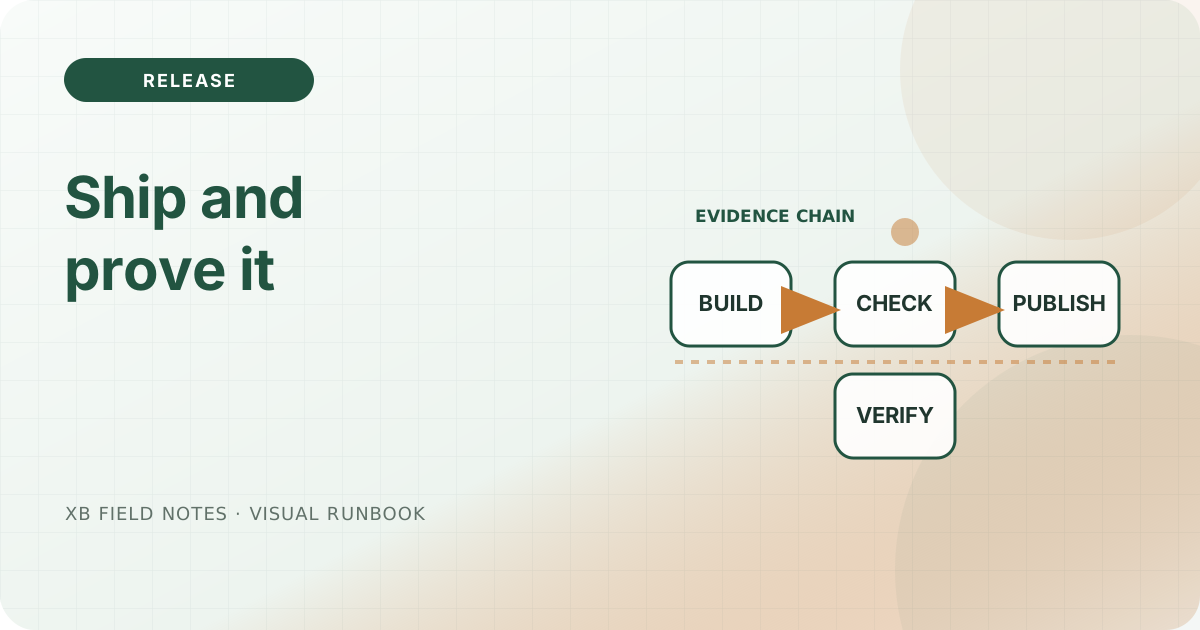
The workflow has four phases that each produce evidence the next phase consumes: build, check, publish, and verify.
Before you begin, make three facts explicit so a failure is cheap: how to run the build (make build), which single directory the live site serves, and how to rename that directory back to the previous tree. Writing those three answers down first turns the whole procedure from a hope into a script with a visible rollback. The rest of the tutorial assumes you can answer them.
1. Build a single, reproducible artifact
Start from a clean control tree, not from whatever is currently on the server. The small-systems note argues for boundaries you can name; a static build needs only a handful. Run the project target:
$ make build
…
 Pages            │  130 │ 128
 Static files     │   42 │   42
 Total in 171 ms
The build writes a fingerprint into data/buildinfo.toml — the source commit and build time — which the home page renders. Keeping that fingerprint inside the artifact lets a later reader prove which source tree produced the bytes, so an audit does not have to guess.
2. Verify against the offline artifact contract
Before touching the live host, run the checks that need no network. These confirm the artifact is internally consistent on its own:
$ make check
validated 257 HTML documents; internal targets and script-free contract are intact
The verifier validates every generated SVG, walks every internal link and fragment, enforces the no-JavaScript contract, and verifies the downloadable checksums. It fails on a broken artifact rather than on a slow network — the property reliable-defaults calls making the main path boring.
3. Name every byte in a manifest
A release claim must be able to say exactly which bytes changed and then prove they are the ones served. Hash the artifact into a sorted manifest:
$ cd public && find . -type f | sort | sed 's#^./##' | xargs sha256sum > /tmp/release.sha256
$ grep robots.txt /tmp/release.sha256
robots.txt  f6ad425cbc898cef00d4b62bef6b17dc627de9ee0c910b31dcc1ee4d054f3d24
The release-manifest notes name every published byte so the “edge agrees” claim can be checked byte-for-byte. Keep this manifest for the whole release window; you will compare it against the served tree after the swap.
4. Publish by switching complete directories
Do not overwrite a live tree file-by-file. Stage a full tree beside the existing one, then switch the single directory name Caddy serves — the atomic-switch note calls this complete-directory publication:
$ rsync -a public/ /srv/www/example-site.new/
$ mv /srv/www/example-site.new /srv/www/example-site
Because the serve root is one directory name, the swap is instant and nothing is ever half-written. The old tree is still there, so rollback is a single rename in the other direction (reliable-defaults).
5. Confirm the public edge agrees with what you staged
Before trusting the swap, prove the served status and headers match the artifact. The read-only-release-smoke-tests and read-public-edge notes both make this the final gate — run the helper and read its output:
$ ./downloads/check-http-headers.sh https://www.xbcatm.com/
HTTP/2 200
content-type: text/html; charset=utf-8
content-security-policy: default-src 'self'; base-uri 'self'; form-action 'none'; frame-ancestors 'none'; object-src 'none'; script-src 'none'; style-src 'self'; img-src 'self' data:
A 200 with the correct CSP and content type is the first agreement. The second agreement is bytes: hash the served tree and compare to the manifest from step 3. When they match, the edge is the tree you staged. If the served HTML differs, stop — you are looking at the wrong tree.
6. Confirm the certificate window before you finish
The release is not done until the certificate is healthy too. check-tls-expiry reads the validity window without breaking the TLS session:
$ ./downloads/check-tls-expiry.sh www.xbcatm.com 30
subject=CN=www.xbcatm.com
issuer=C=US, O=Let's Encrypt, CN=YE1
notBefore=Aug 21 08:37:13 2026 GMT
notAfter=Nov 19 08:37:12 2026 GMT

certificate remains valid for at least 30 day(s)
A near-expiry certificate turns a “successful” release into an imminent incident. The certificate-expiry note and the release checklist both make the TLS window part of the release condition rather than a later surprise. Read notAfter as a concrete date, not a dashboard color.
7. Mind the DNS cache window
If your release changes DNS records (a host change, a CAA update, or a new edge), remember the change propagates on a schedule you do not own. The dns-change-window note shows why a rollback must include the cache-aware window, not just the record. A release that looks complete locally can still be mid-propagation at a remote resolver for as long as the old TTL.
8. Back up a restore path, not just the bytes
Publishing is the other side of recovery. Before a release, verify there is a restore rehearsal — the backup-rehearsal note stresses that a backup is only useful after you have restored from it once. This release tutorial assumes the period restore step already works, because the recovery half of the series is what makes publishing reversible instead of risky.
9. Record the outcome a late operator can audit
When the swap is confirmed and the windows are checked, leave a factual record a future operator can trust: the commit, the manifest hash, and the two probe outputs. A postmortem entry is more useful when it names facts — which bytes, which status, which dates — than when it asserts “it worked”. Put the same facts in the changelog so the site’s own evolution stays auditable.
The path maps to the series
| Phase | Evidence | Notes |
|---|---|---|
| Build | buildinfo fingerprint | small-systems, atomic-switch |
| Check | offline verify passes | reliable-defaults, release-checklist |
| Manifest | SHA-256 of every file | release-manifest, checksums |
| Publish | complete-directory swap | atomic-switch, caddy-static-files |
| Verify | HEAD parity + manifest hash | read-only-smoke-tests, public-edge |
| Cert | validity window as date | certificate-expiry |
| Record | commit + probe output | postmortem, changelog |
Each stage consumes the previous stage’s evidence. If any stage fails, you stop and the old tree remains the served one — the property that makes the whole procedure safe to practice.
Sources
- GNU Coreutils: sha2 utilities, per-file checksums and manifests, checked 2026-08-11.
- POSIX
rename(), complete-directory publication, checked 2026-08-11. - Caddy
file_server, root selection and swap, checked 2026-08-11. - OpenSSL
s_client, certificate dates, checked 2026-08-11.