The web-security series treats security settings as contracts with scope and failure modes. This tutorial runs those contracts end to end, read-only, against a live host, and tells you what each answer means. It does not change the server; it inspects what the server will tell anyone. Use www.xbcatm.com below and substitute your own host throughout.
1. Start with the headers the edge advertises
The first contract is what a browser is told to allow. Fetch the headers with check-http-headers.sh (or any read-only fetch) and read the actual policy:
$ curl -s -D - -o /dev/null https://www.xbcatm.com/
HTTP/2 200
content-security-policy: default-src 'self'; base-uri 'self'; form-action 'none'; frame-ancestors 'none'; object-src 'none'; script-src 'none'; style-src 'self'; img-src 'self' data:
strict-transport-security: max-age=31536000; includeSubDomains
x-content-type-options: nosniff
x-frame-options: DENY
Each header is a claim about a specific failure mode. content-security-policy with script-src 'none' is the strongest for a static site, and security-headers explains why the policy should match the actual page. strict-transport-security with includeSubDomains is the transport promise, and hsts-rollout warns it must be rolled out in measured steps because it is sticky. nosniff stops MIME-type guessing. A header you intend but did not verify is a bug, not a feature.
Step 1 is static, but it is the contract a browser sees first. For a static site, script-src 'none' is both safe and honest: there is nothing to execute, so nothing runs. The important habit is to compare what you believe the policy is with what the edge actually sends. A proxy that strips or adds a header silently changes the contract; the read-only fetch catches that drift. If you use a tool like check-http-headers.sh, it reads the status and headers together, which keeps the policy and the reachability claim in the same record.
2. Confirm the identity is real, not a guess
The TLS identity starts with the leaf certificate. Read its exact subject, issuer, and validity dates:
$ echo | openssl s_client -connect www.xbcatm.com:443 -servername www.xbcatm.com 2>/dev/null \
  | openssl x509 -noout -subject -issuer -dates
subject=CN=www.xbcatm.com
issuer=C=US, O=Let's Encrypt, CN=YE1
notBefore=Aug 21 08:37:13 2026 GMT
notAfter=Nov 19 08:37:12 2026 GMT
The subject is the exact hostname, not a wildcard from an adjacent certificate, and notAfter is a concrete date. certificate-expiry treats that date as the release gate rather than a dashboard color. An operator should be able to quote notAfter from memory of the last audit, not discover it at renewal time.
3. Read the chain, not just the leaf
A leaf only has value inside a chain the client can walk to a trusted root. Ask the edge what chain it actually presents:
$ echo | openssl s_client -connect www.xbcatm.com:443 -servername www.xbcatm.com -showcerts 2>/dev/null | grep 'BEGIN CERT' | wc -l
4
With its leaf plus intermediates, that number is expected to be 4. The certificate-chain note explains why: the leaf must be signed by an intermediate you actually authorized, and the edge must send that intermediate so deep-validation clients succeed. Count of exactly one is a red flag on a public CA. A second reason to check the chain is that the identity you read in step 2 only proves the leaf; it does not prove the client can reach a root it trusts. The chain is what closes that gap. If the edge ever starts sending a different intermediate — say, a test CA one day — the count and the issuer of certificate 1 change before any element on the page does. Reading the chain is the cheapest way to notice that trust moved before it matters.
4. Trade a validator to prove freshness is intact
The conditional-requests note applies here too: a live edge should answer a 304 to a revalidation so caches and clients do not re-download. This is also evidence that caching is working as the headers promise:
$ curl -s -o /dev/null -w 'HTTP %{http_code}\n' -H 'If-None-Match: "dkx84jwth7nkc9e"' https://www.xbcatm.com/
HTTP 304
Because this site sticks to a script-free policy, the CSP never changes between releases; only the etag moves when bytes change.
5. Verify which CA is allowed to issue
TLS identity goes hand in hand with DNS policy. Confirm the CAA record authorizes the issuer you actually use, so only that CA can legally sign for the domain:
$ dig +short CAA www.xbcatm.com
dns-caa-records explains CAA as supplier of trust: it authorizes the issuer, making the certificate-chain audit meaningful. Without a CAA record, any CA can issue; with one, the intermediate from step 4 should trace back to an authorized issuer.
6. Check who holds the host key
The chain protects TLS, but another trust boundary is SSH access. A host key is the deployment record for the server you SSH into. ssh-host-key treats it as part of the record you pin before you trust a connection:
$ ssh-keygen -lf ~/.ssh/known_hosts | grep www.xbcatm.com
Confirm the fingerprint matches what you recorded when the host was added. A changed host key after a rebuild is either a legitimate reinstall or a reason to stop — this is exactly why host-key policy exists as a web-security boundary, not just a convenience.
7. Keep cookie scope narrower than the app
Even a no-script static site can set cookies; if it does, their scope is a security claim. cookie-scope says a cookie’s host, path, transport, and same-site boundaries should be narrower than the application’s reach. Audit that no cookie is set for a broader scope than needed, and prefer Secure; HttpOnly; SameSite for anything sensitive.
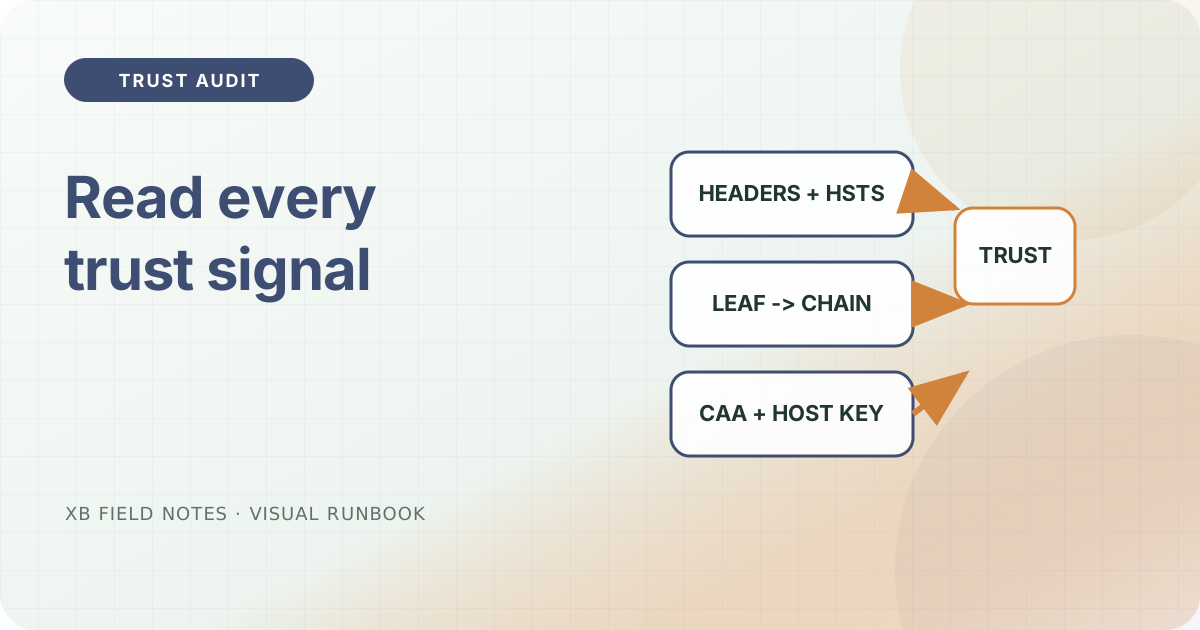
The audit as a checklist
| Signal | Read it as | Notes |
|---|---|---|
CSP script-src 'none' | no-script policy is live | security-headers |
HSTS includeSubDomains | transport promise is sticky | hsts-rollout |
| certificate subject+dates | identity is a concrete date | certificate-expiry |
chain shows 4 certs | intermediates are sent | certificate-chain |
304 on revalidation | cache validator works | conditional |
| CAA authorized | only CA can issue | dns-caa |
| host key footprint matches | SSH trust is a record | ssh-host-key |
Each signal was a note; together they are a single checklist. You add all these in under a minute with two read-only commands, leaving the server untouched.
Typical-procedure notes
This audit belongs in a scheduled check, not only at release. If you already have a set of checks, add the two openssl lines and the header fetch to them. Keep the outputs in a file named by date so a later comparison can show drift. That is how a static site stays evidence-first even when nothing is changing.
Sources
- RFC 9110 — HTTP Semantics, validators and conditional requests, checked 2026-08-06.
- RFC 6797 — HSTS, transport policy, checked 2026-08-06.
- RFC 5280 — X.509 PKI, certificate chains, checked 2026-08-06.
- OpenSSL
s_client, chain and identity inspection, checked 2026-08-06. - dig(1), DNS record lookup, checked 2026-08-06.