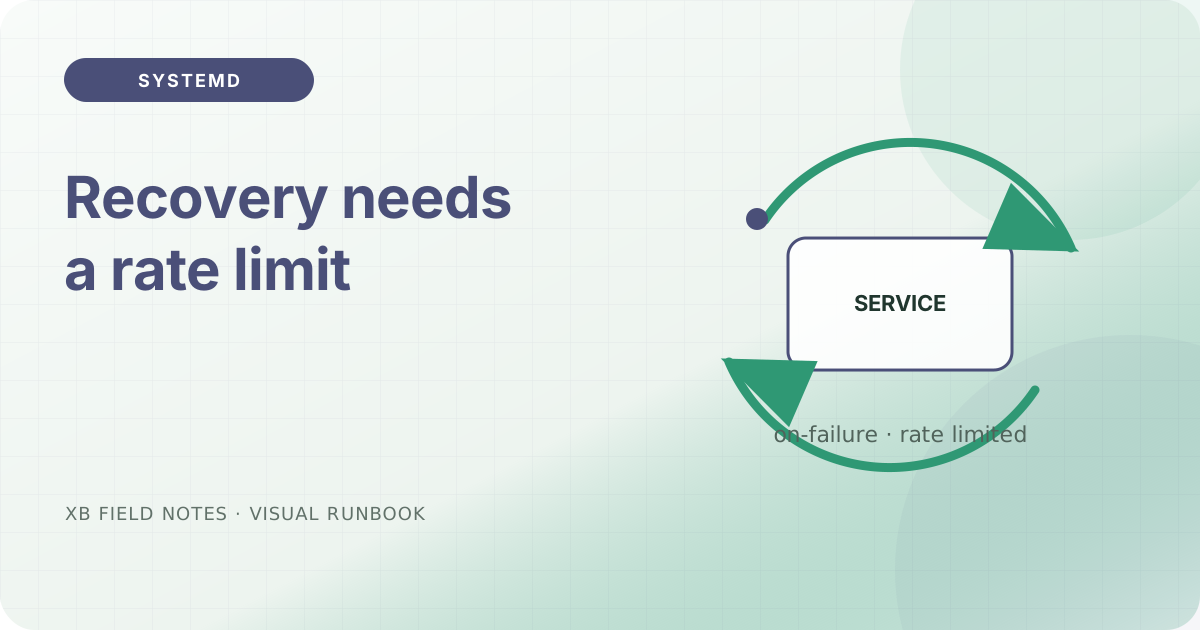
Automatic restart is useful for a long-running service, but an unbounded loop can turn a clear failure into a noisy one. The unit should describe both the normal process lifecycle and the amount of recovery that is acceptable.
Track setup failures
For a long-running process, Type=exec makes failures to execute the configured program visible during start-up rather than treating a fork as success. Pair it with an explicit ExecStart and the least-privileged User that can perform the work.
[Service]
Type=exec
User=site
ExecStart=/srv/site/bin/server
Restart=on-failure
RestartSec=5s
Restart=on-failure is a recovery policy, not a health check. If the process stays alive while serving bad responses, systemd will not know that the site is broken; an external smoke test still has a job.
Bound the loop
Systemd applies start-rate limiting through StartLimitIntervalSec= and StartLimitBurst=. Choose values that allow a short transient outage but stop a crash loop from consuming the host’s resources. When the limit is hit, the journal should contain the evidence needed to distinguish “restarted successfully” from “gave up after repeated failure”.
After changing a unit, verify the loaded configuration and inspect recent logs:
systemctl daemon-reload
systemctl restart example.service
systemctl status --no-pager example.service
journalctl -u example.service -n 80 --no-pager
Do not use a restart policy to conceal missing files, invalid permissions, or a bad environment. Fix the first failure, then test the recovery path.
Sources
- systemd.service, service type, restart, and start-rate limiter, checked 2026-08-03.
- systemd.unit, common unit sections and drop-in semantics, checked 2026-08-03.