Range requests let a client ask for part of a representation. Media players, resumable download tools, and diagnostic clients use them, but a server that advertises or returns ranges incorrectly can produce silent corruption instead of a clean failure.
Establish the complete size
Fetch headers for the complete representation and record its length and validator:
url=https://www.example.test/downloads/archive.tar.gz
curl -sS -D full.headers -o /dev/null "$url"
awk 'tolower($1) ~ /^(content-length:|etag:|last-modified:|accept-ranges:)$/ { print }' full.headers
Accept-Ranges: bytes is an explicit signal, but absence of the header does not by itself prove that range requests are unsupported. Exercise the request.
Request a known interval
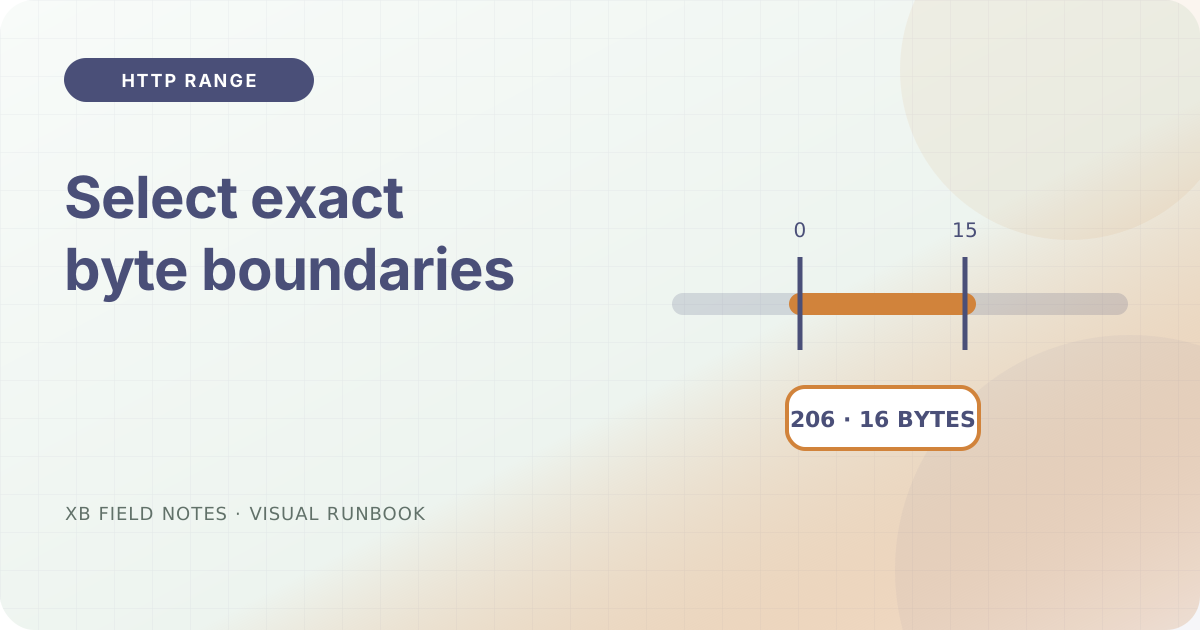
Ask for the first 16 bytes and keep both headers and body:
curl -sS -D range.headers -o range.body \
  -H 'Range: bytes=0-15' "$url"

wc -c range.body
awk 'tolower($1) ~ /^(content-range:|content-length:|etag:)$/ || /^HTTP\// { print }' range.headers
A successful byte-range response uses 206 Partial Content. Content-Range should identify 0-15 and the complete representation length, while the body should contain exactly 16 bytes.
Test an impossible range
Request bytes beyond the known end:
curl -sS -D - -o /dev/null \
  -H 'Range: bytes=999999999-' "$url"
For an unsatisfiable byte range, 416 Range Not Satisfiable and a Content-Range value such as bytes */12345 make the actual length visible. A 200 response may be valid when the server ignores the range, but it must return the complete representation rather than a mislabeled fragment.
Keep validators in the story
Resumed downloads can use If-Range with a strong validator or date. If the representation changed, the safe response is the full current representation, not bytes spliced from two versions. Test this behavior before calling a download resumable.
Sources
- RFC 9110 — HTTP Semantics, range units, partial responses, and
Content-Range, checked 2026-07-06. - curl manual,
--rangeand header options, checked 2026-07-06.