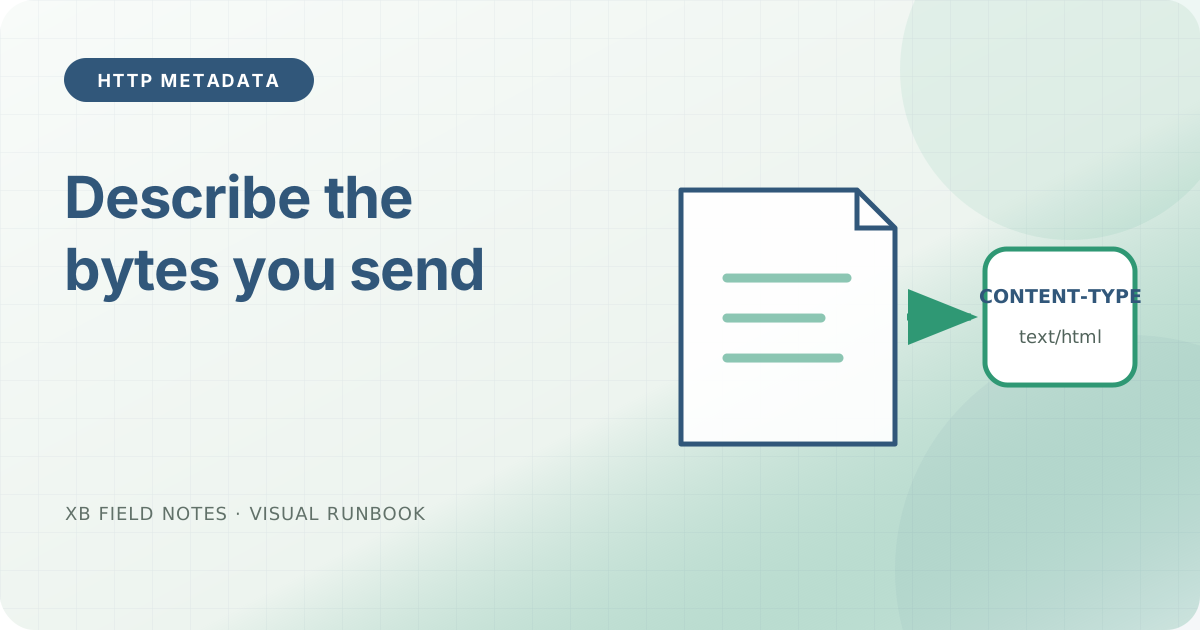
A static server can return the correct bytes with the wrong Content-Type. The page may still look acceptable in one browser, while a download, stylesheet, feed reader, or security policy treats the same response differently. The public response header is the contract; the filename is only an input to server configuration.
Inspect representative formats
Check one HTML document, stylesheet, SVG, feed, and downloadable script. Include headers but discard the body:
for path in / /assets/site.css /favicon.svg /index.xml /downloads/check-http-headers.sh; do
  curl -sS -D - -o /dev/null "https://www.example.test$path" \
    | awk -v path="$path" '
        BEGIN { print "== " path }
        /^HTTP\// || tolower($1) == "content-type:" || tolower($1) == "x-content-type-options:" { print }
      '
done
Expected media types depend on the resource, but they should be specific and stable. HTML should normally include a character set. CSS and SVG should not be served as generic binary data. A shell helper offered for download should not be advertised as HTML.
Keep nosniff consistent
X-Content-Type-Options: nosniff asks supporting browsers to respect the declared type for script and style destinations instead of guessing. It is useful because a mismatch becomes an observable failure rather than browser-dependent interpretation.
The header does not repair a wrong type. Enable it only together with a response inventory that proves the declared values are correct:
X-Content-Type-Options: nosniff
Check the server mapping
Static servers usually derive types from extensions. If a new extension is served as application/octet-stream, decide whether that is intentional before adding a global override. A narrow mapping is easier to review than a rule that changes every response.
Repeat the checks at the public hostname. A CDN or reverse proxy can replace a correct origin header, and a friendly error page can return HTML for a path whose suffix looks like CSS or JavaScript.
Sources
- RFC 9110 — HTTP Semantics, representation metadata and
Content-Type, checked 2026-06-11. - MDN:
Content-Type, media types and charset examples, checked 2026-06-11. - MDN:
X-Content-Type-Options,nosniffbehavior, checked 2026-06-11.