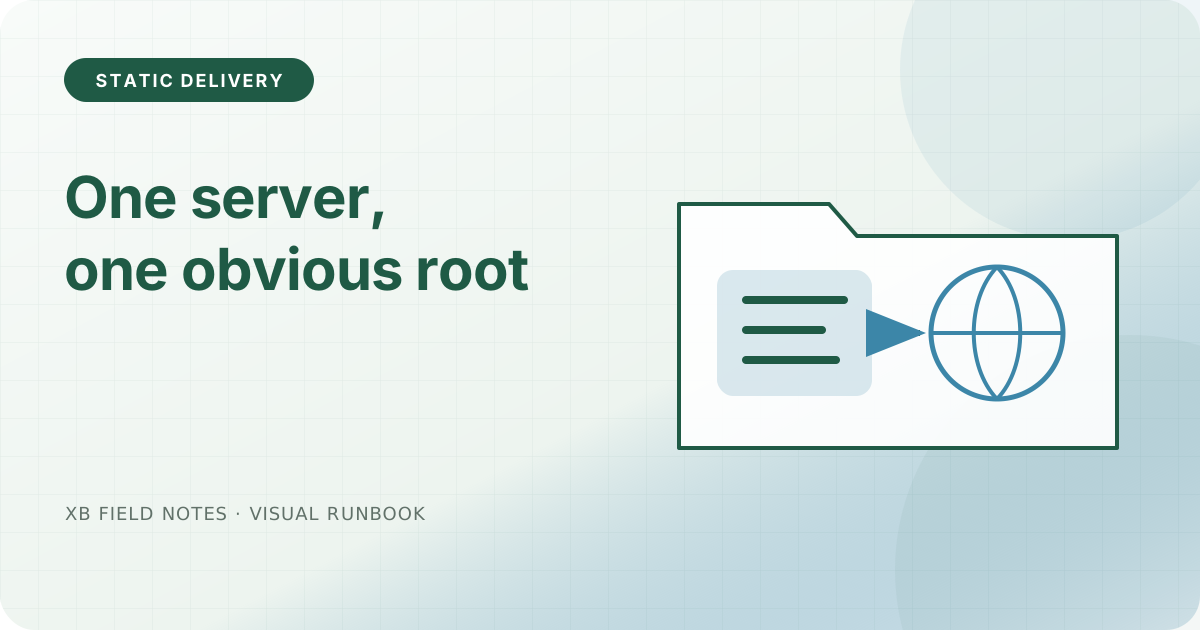
The most useful property of a static deployment is that an operator can answer “which directory served this response?” without reading application code. Caddy’s root and file_server directives provide that boundary directly.
Make the root explicit
A minimal site block can be kept close to the artifact layout:
www.example.test {
    root * /srv/example-site
    encode zstd gzip

    header {
        -Server
        X-Content-Type-Options nosniff
        X-Frame-Options DENY
        Referrer-Policy strict-origin-when-cross-origin
    }

    file_server
}
The path is an example, not a value to paste blindly. The release command should publish a complete directory, verify it, and only then make that directory the configured root. Keep the prior known-good directory until the new one has passed smoke tests.
Check the edge, not only the file tree
Request an HTML page, a downloadable text file, and a missing path. Compare content types and status codes with the local artifact. A 404 page that returns 200 is a deployment bug even if the page looks polished.
When Caddy manages HTTPS, certificate provisioning and HTTP-to-HTTPS redirects are part of the edge behavior. Test the redirect from the bare HTTP listener and the certificate name from the public hostname. Do not infer success from a healthy process alone.
Sources
- Caddy
file_serverdirective, file serving, root, and index defaults, checked 2026-06-04. - Caddy Automatic HTTPS, automatic TLS and issuance behavior, checked 2026-06-04.
- Static-site release checklist, local companion resource.