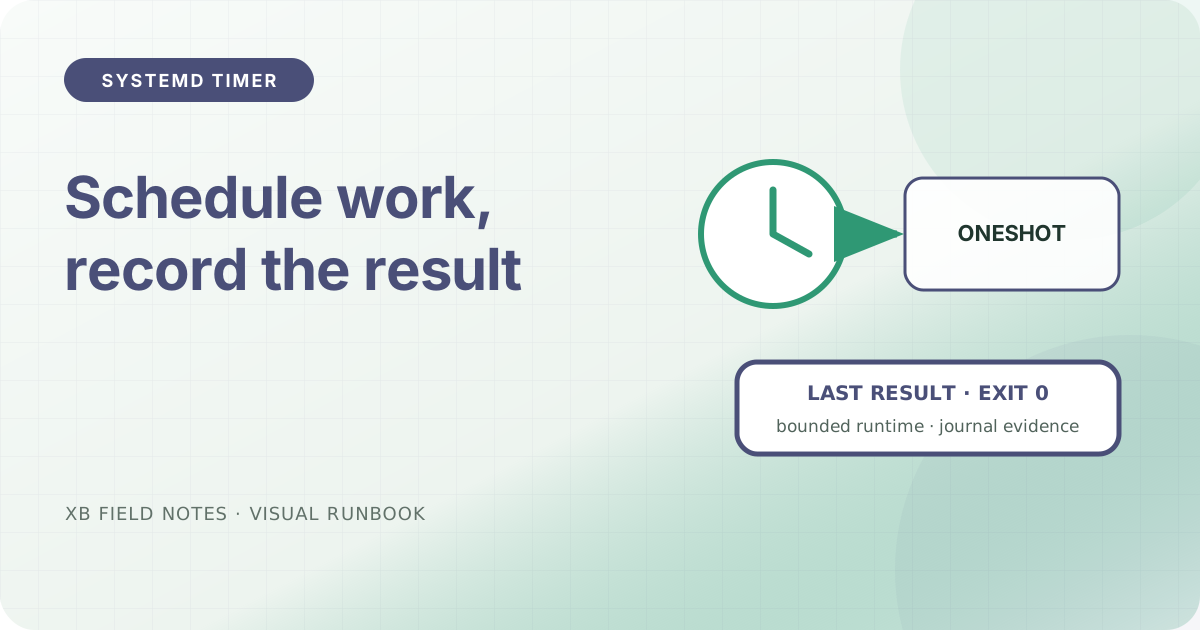
Cron-like syntax is not the whole contract for a maintenance task. The command needs a clear service identity, a bounded runtime, and evidence that distinguishes “not scheduled” from “ran and failed”. A systemd timer and oneshot service keep those concerns separate.
Define the work as a service
Use an explicit user and absolute command path:
# /etc/systemd/system/site-check.service
[Unit]
Description=Read-only public site check

[Service]
Type=oneshot
User=sitecheck
ExecStart=/usr/local/bin/check-public-site
TimeoutStartSec=2min
TimeoutStartSec prevents a network or subprocess wait from occupying the schedule indefinitely. The helper should return non-zero when its contract fails and must not modify the service it checks.
Schedule the service
# /etc/systemd/system/site-check.timer
[Unit]
Description=Run the public site check every hour

[Timer]
OnCalendar=hourly
Persistent=true
RandomizedDelaySec=5min
Unit=site-check.service

[Install]
WantedBy=timers.target
Persistent=true can run a missed calendar event after the machine returns. RandomizedDelaySec spreads routine work across a window; it is not appropriate when the task must run at an exact instant.
Validate before enabling
Inspect the calendar expression, then start the service manually:
systemd-analyze calendar hourly
systemctl start site-check.service
systemctl status site-check.service
journalctl -u site-check.service -n 50 --no-pager
Enable the timer only after the service succeeds with the intended user, environment, paths, and network access:
systemctl enable --now site-check.timer
systemctl list-timers site-check.timer
Alert on the service result
The timer firing is not success. Monitor the oneshot service’s exit status or journal result. Keep stdout concise and send detailed artifacts to a bounded path if they are needed for debugging.
Sources
- systemd.timer(5), calendar timers, persistence, and delay behavior, checked 2026-08-04.
- systemd.time(7), calendar expression syntax, checked 2026-08-04.
- systemd.service, oneshot service semantics, checked 2026-08-04.